1. Amazon EKS 소개
- 공식 문서
- 아키텍처
- Control Plane -> AWS 관리
- AWS 리전 내 AWS 가용성 영역 3개에 걸쳐 최소 2개의 API 서버 인스턴스와 3개의 etcd 인스턴스를 배치
- Data Plane -> 사용자가 관리
- EKS Auto Mode
- AWS Fargate
- Karpenter
- Managed node groups
- Self-managed nodes
- Amazon EKS Hybrid Nodes
- Control Plane 구성요소
- etcd
- kube-apiserver
- scheduler
- controller-manager
- Worker Node 구성요소
- Kubelet
- container runtime
- kube-proxy
- EKS Capabilities
- AWS Controllers for Kubernetes (ACK)
- Argo CD
- kro (Kube Resource Orchestrator)
2. Amazon EKS 배포
- 배포 방법
- AWS Management Console
- EKS Anywhere - 온프레미스 환경 (VMware vSphere, Bare Metal 등)
- IaC 도구 - Terraform, CDK, CloudFormation
- eksctl
3. EKS Cluster Endpoint Access
- 사전준비
- AWS 자격증명 세팅 (aws configure)
- Ket-Pair 생성(pem key)
- AWS CLI 설치
# 코드 다운로드
git clone https://github.com/gasida/aews.git
cd aews
tree aews

# 작업 디렉터리 이동
cd 1w

# 변수 지정
aws ec2 describe-key-pairs --query "KeyPairs[].KeyName" --output text
export TF_VAR_KeyName=$(aws ec2 describe-key-pairs --query "KeyPairs[].KeyName" --output text)
export TF_VAR_ssh_access_cidr=$(curl -s ipinfo.io/ip)/32
echo $TF_VAR_KeyName $TF_VAR_ssh_access_cidr

# 배포 : 12분 정도 소요
terraform init
terraform plan
nohup sh -c "terraform apply -auto-approve" > create.log 2>&1 &
tail -f create.log


# 자격증명 설정
aws eks update-kubeconfig --region ap-northeast-2 --name myeks
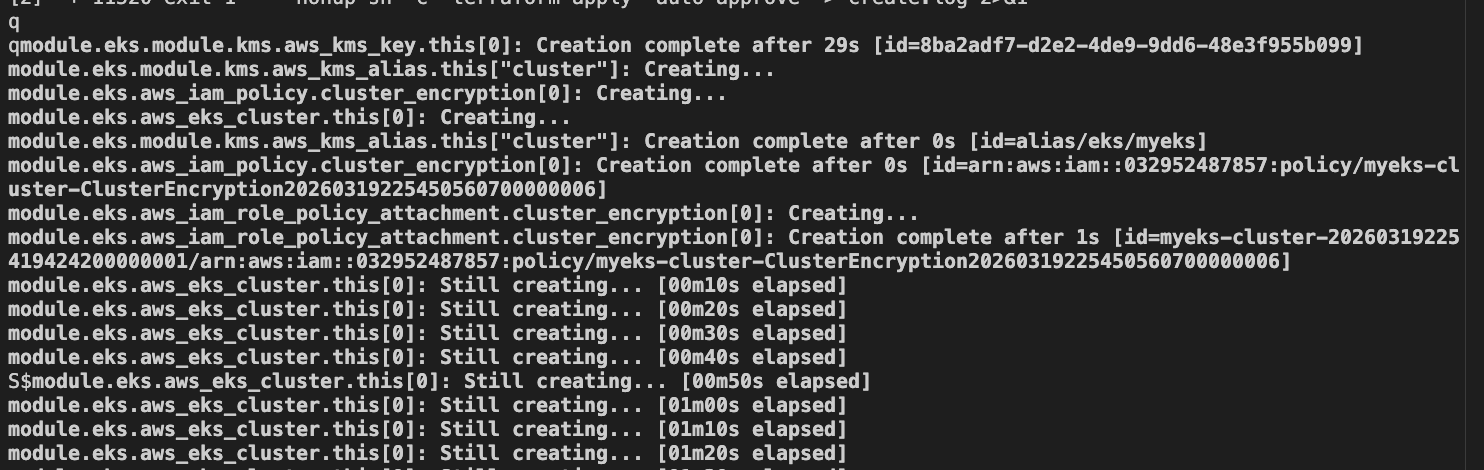 열심히 만들고 있다

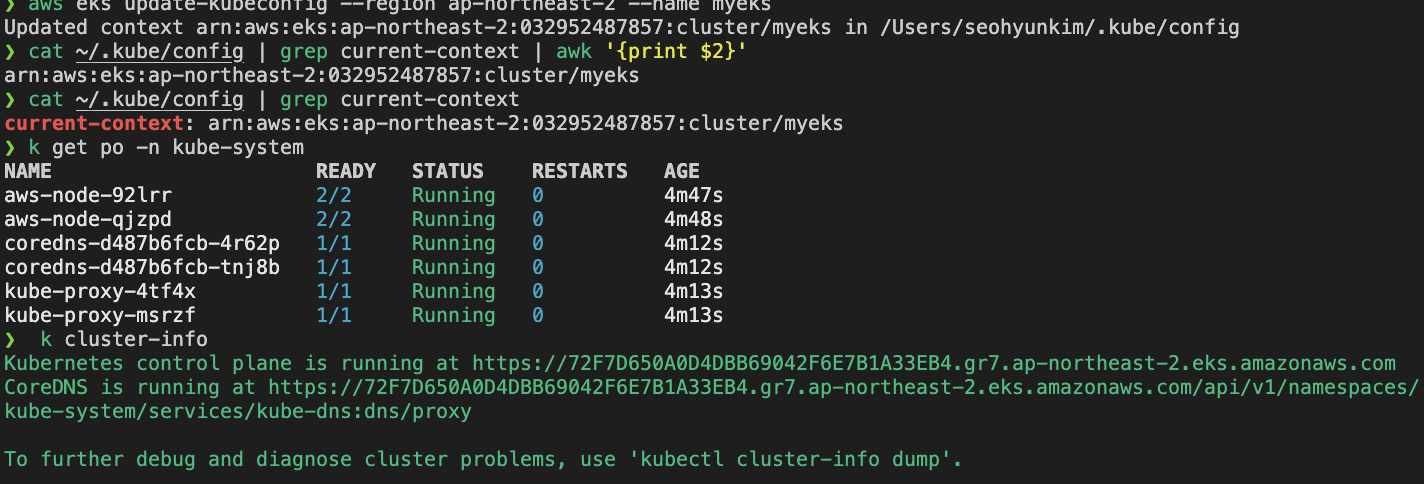 됐다!!!!
4. EKS Fully Private Cluster
- eks access endpoint 확인 : public
 공개되어있다
- eks access endpoint 변경 by Terraform : 퍼블릭 및 프라이빗 + 액세스 소스 설정
  endpoint_public_access = true
  endpoint_private_access = true
  endpoint_public_access_cidrs = [
    var.ssh_access_cidr
  ]

  # 적용
  terraform apply -auto-approve
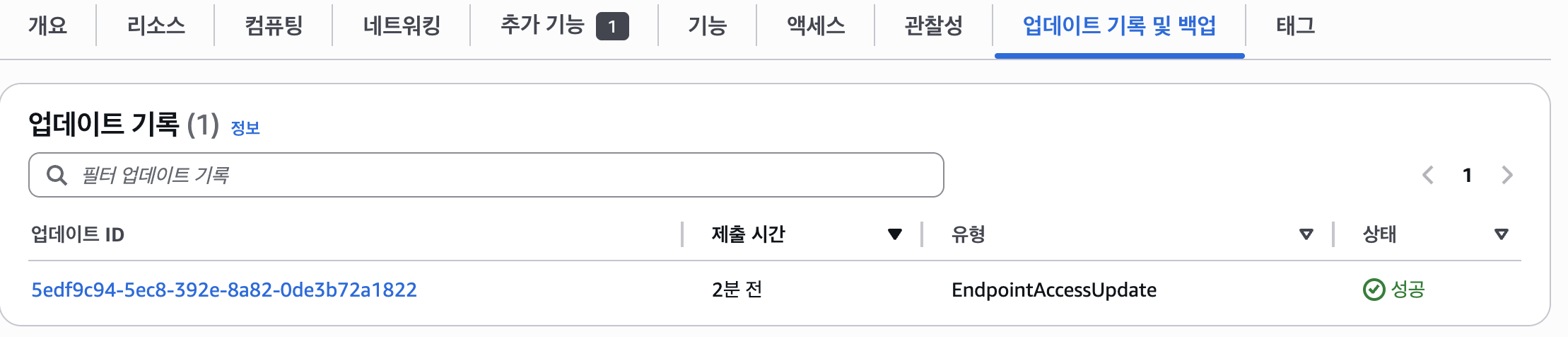
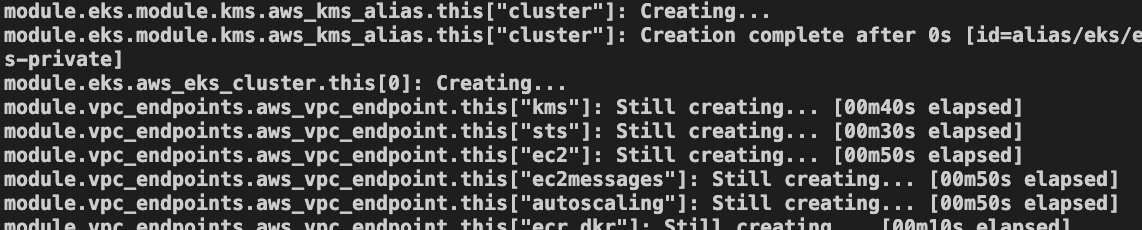 열심히 만드는중
 음
음